

Prioritise, assign and follow every risk through to closure.



Risk prioritisation
Handle every risk in the order of its impact on the project.
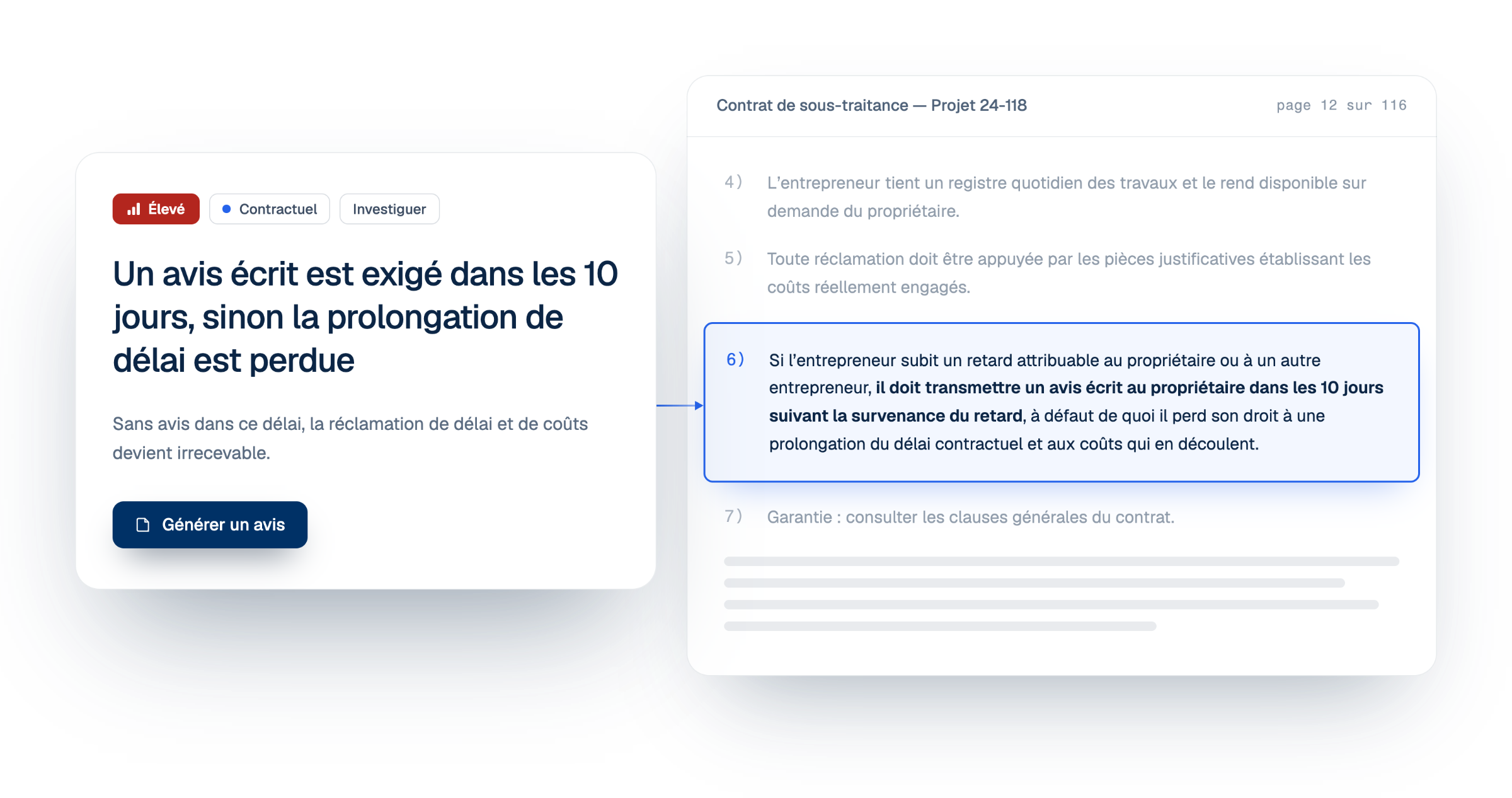
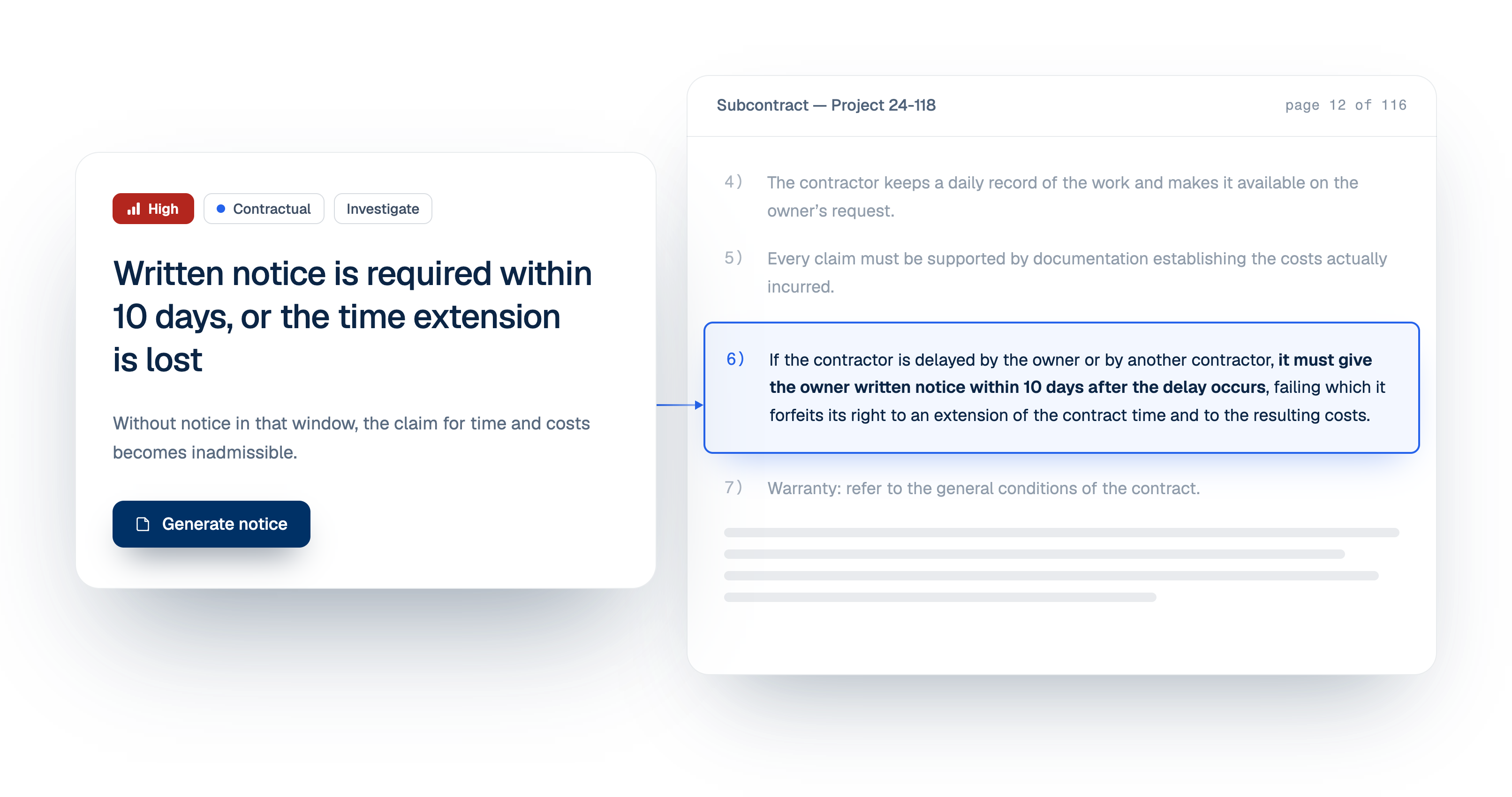
Step 1 · See what is left
See how much is triaged, by category and by priority
Triage opens on two counters: how many risks are triaged, split into contractual, technical and compliance, and how many are still waiting, by priority.
- Progress for each risk category
- What is left, high priority first
- New and Archived kept apart
Step 2 · Review
Check each risk, its priority and the trades it affects
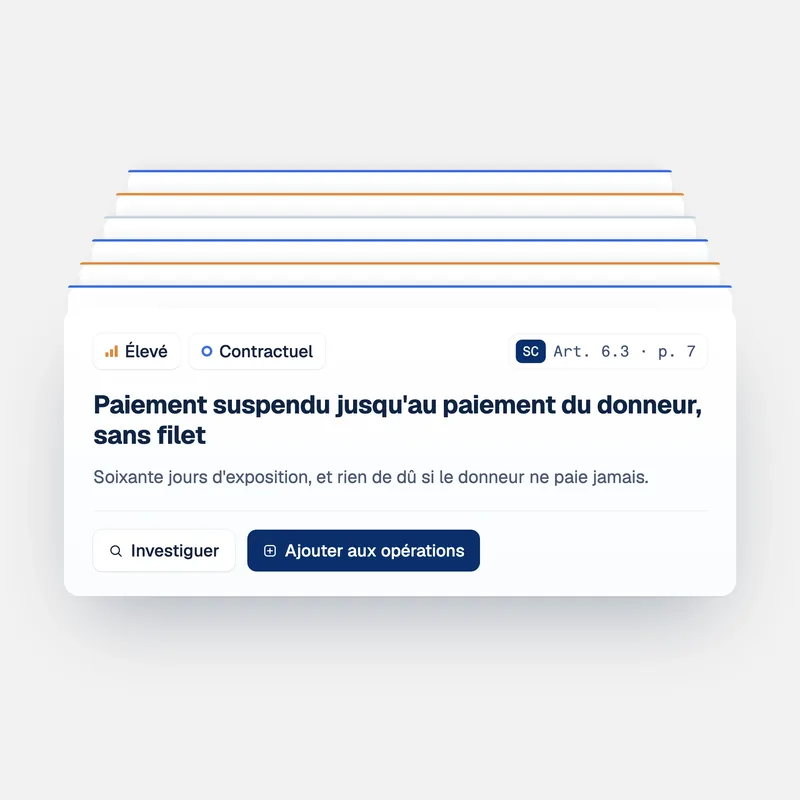
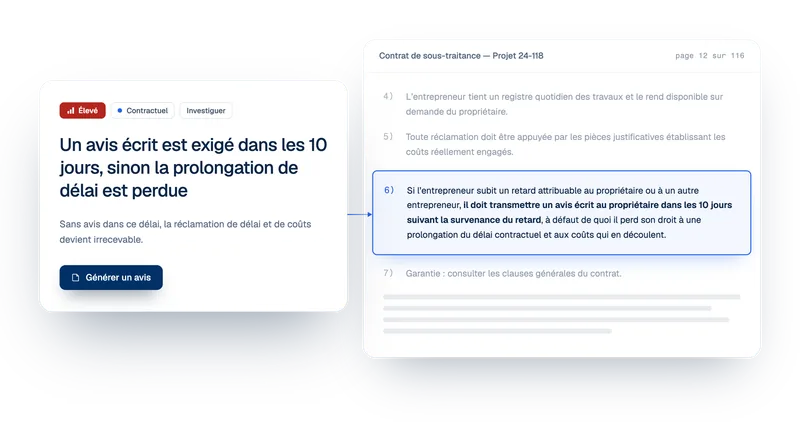
Each risk shows its summary, its source and a suggested priority. Change the priority, tag the trades involved, and open the risk to read the passage.
- The priority is yours to change
- Trades tagged, such as electrical or fire protection
- The source passage one click away
Step 3 · Decide
Send it to operations or archive it
Select one risk or several. Add them to operations to assign and track them, or archive the ones that do not apply.
- One risk or a whole batch at once
- Kept risks land on the Operations board
- Archived risks stay findable in their own tab
From detection to notice
Handle hundreds of risks with one method, and keep a defensible record of every decision.
A project can carry hundreds of open risks at once. Triage sorts them by priority, so you know which one to start with.
Dismissing a risk is a decision, not an oversight. Archived risks keep their summary and their source in their own tab, so the decision can be revisited later.
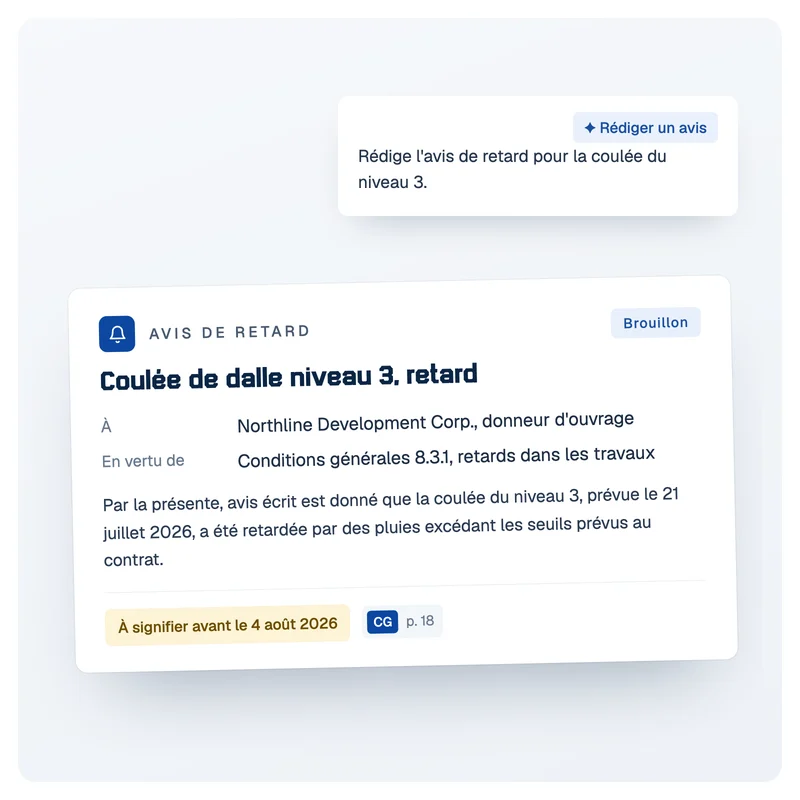
A risk you keep is never retyped elsewhere. It moves to notice drafting or to tracking with its clause and its history, and nothing is lost in between.
FAQ
Frequently asked questions about construction risk triage
What is risk triage in construction?
Risk triage is sorting the risks found in the project documents to decide which ones the team will act on. A single project can surface dozens of risks at once. In Telamont, each detected risk arrives in Triage with its summary, its source and a priority, and the team either sends it to operations to be handled or archives it.
How is a risk's priority set?
Each risk arrives with a suggested priority: high, medium or low. The priority is yours to change from the list, in one click, based on what you know of the project. The counter at the top shows how many risks are still waiting at each level, so the team can start with the high ones.
Can I triage several risks at once?
Yes. Tick the risks in the list, or select them all, and use Add to operations or Archive on the whole selection. Triage after a large detection takes a few decisions instead of one click per risk.
What happens when I archive a risk?
It leaves the New list and moves to the Archived tab, where it keeps its summary and its source. Nothing is deleted, so a risk archived early in the project can be found and revisited later.
What are trades used for?
Trades show which parts of the work a risk affects, such as electrical, HVAC or fire protection. A risk can carry several. They help the team see at a glance which subcontracts and which people are concerned before the risk moves on.
Where does a risk go after triage?
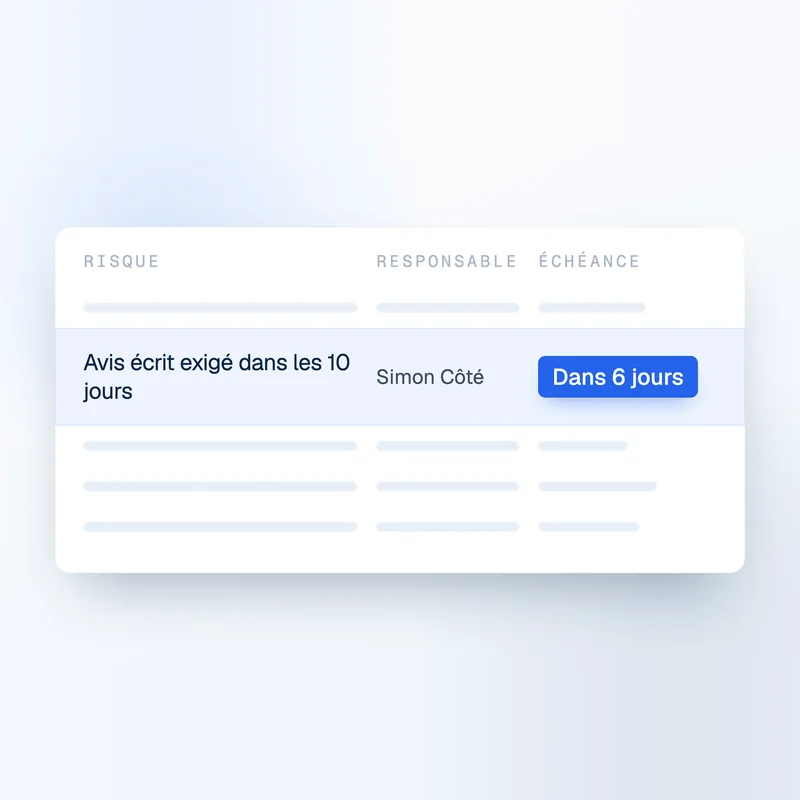
A risk you keep goes to the project's Operations board, in To address. There it gets an owner, a cost estimate and a next step, such as a notice or an RFI, until it is closed as Eliminated, Mitigated, Shared or Tolerated.
The product
Explore the other features.




Contact

Product
Solutions