

Risk tracking
Track every risk: its owner, its value, its deadline.
↳ From detection to notice, every decision stays on file with the clause that triggered it.
Tracking as a team
Everyone knows what is theirs
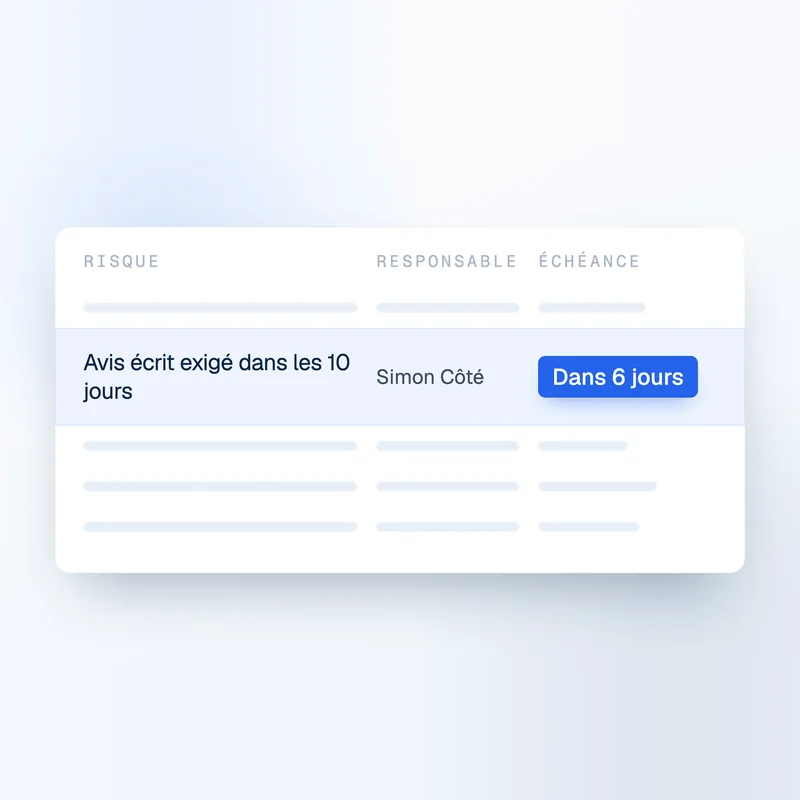
One risk, one owner, one date. Nobody has to ask who is handling it.
One version of the facts
Project manager, superintendent and management see the same status, at the same time.
Tracking stays, people move on
A departure does not send the project back to square one. Decisions and their history stay on file.
Assign every risk to an owner, and the whole team sees where it stands.
Step 1 · Bring it in
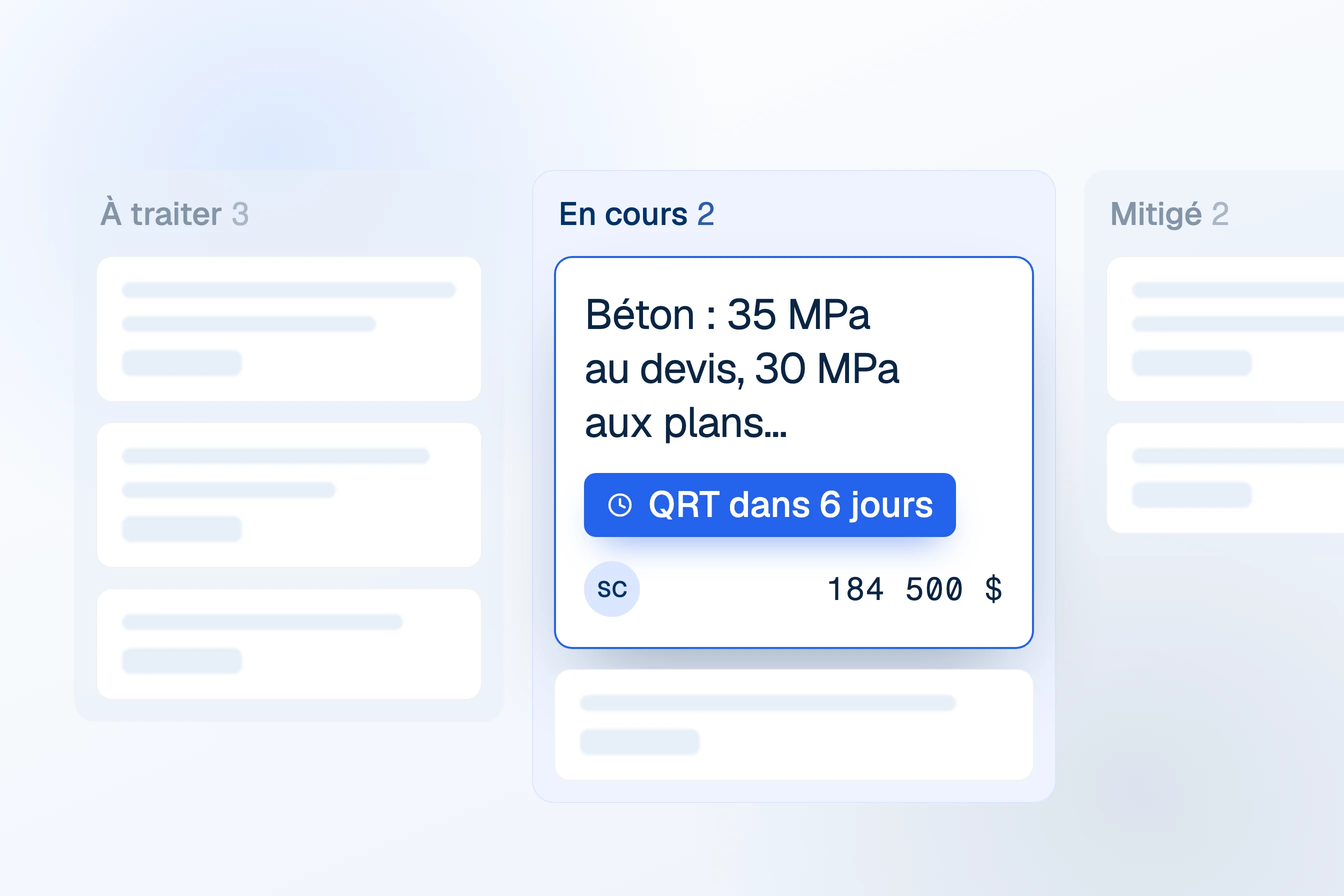
Every risk to handle lands on one board
Add a risk from triage in one click, or create one yourself. The board shows what is to address and what is in progress, with the total value of each column.
- Risks from triage and risks you create, in one place
- See all risks, only yours, or the unassigned ones
- Missing information is flagged on the card
Step 2 · Resolve
Give each risk an owner, a cost and a next step
Open the risk next to its clause. Assign it, estimate what it would cost and how likely it is, and Telamont works out the contingency to set aside.
- One owner per risk
- Cost if it happens × chance it happens = contingency
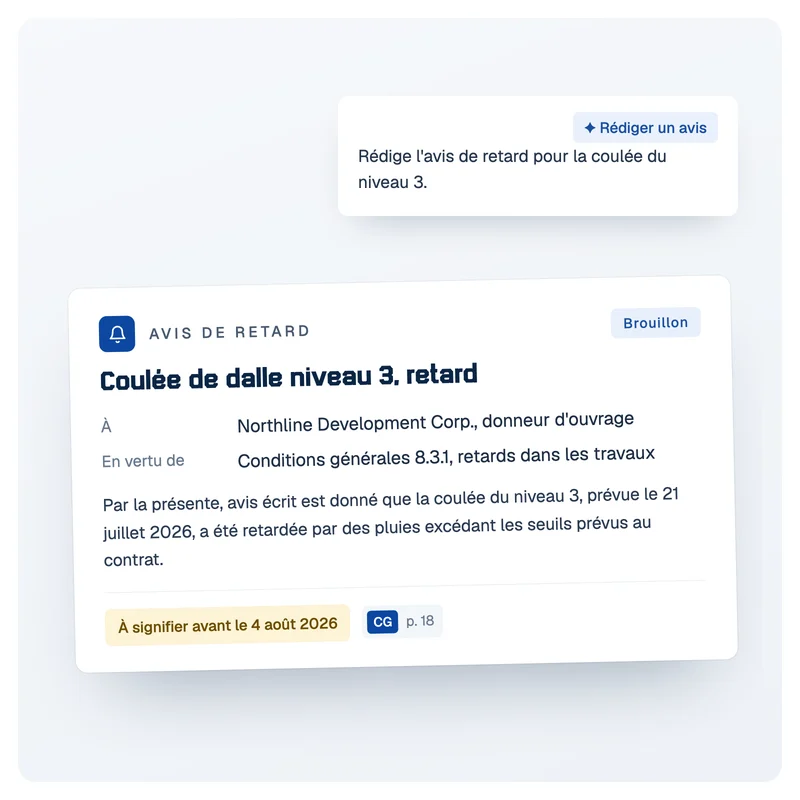
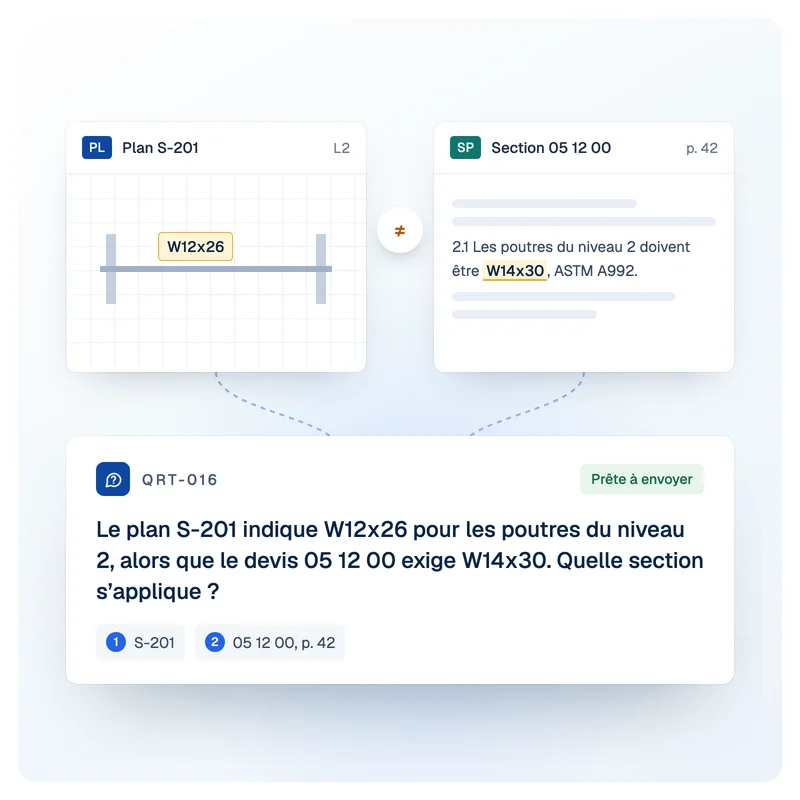
- Generate the notice or ask the RFI from the risk
Step 3 · Close
Close each risk with the decision that was made
Move the risk to Eliminated, Mitigated, Shared or Tolerated. The decision, its value and the clause stay on file.
- Four clear outcomes, not just “done”
- The value of each outcome, totalled
- A record ready if the risk turns into a claim
Build the file during the project, not during the claim.
[01]
See where every risk stands, at any moment
You follow how far along each risk is, who is handling it and what is left to do. The status keeps up with the project, with no one having to produce a report.
[02]
Filter by category, priority or assignee
You show only the risks that concern you rather than working through the whole queue. Everyone finds their own without wading through everyone else's.
[03]
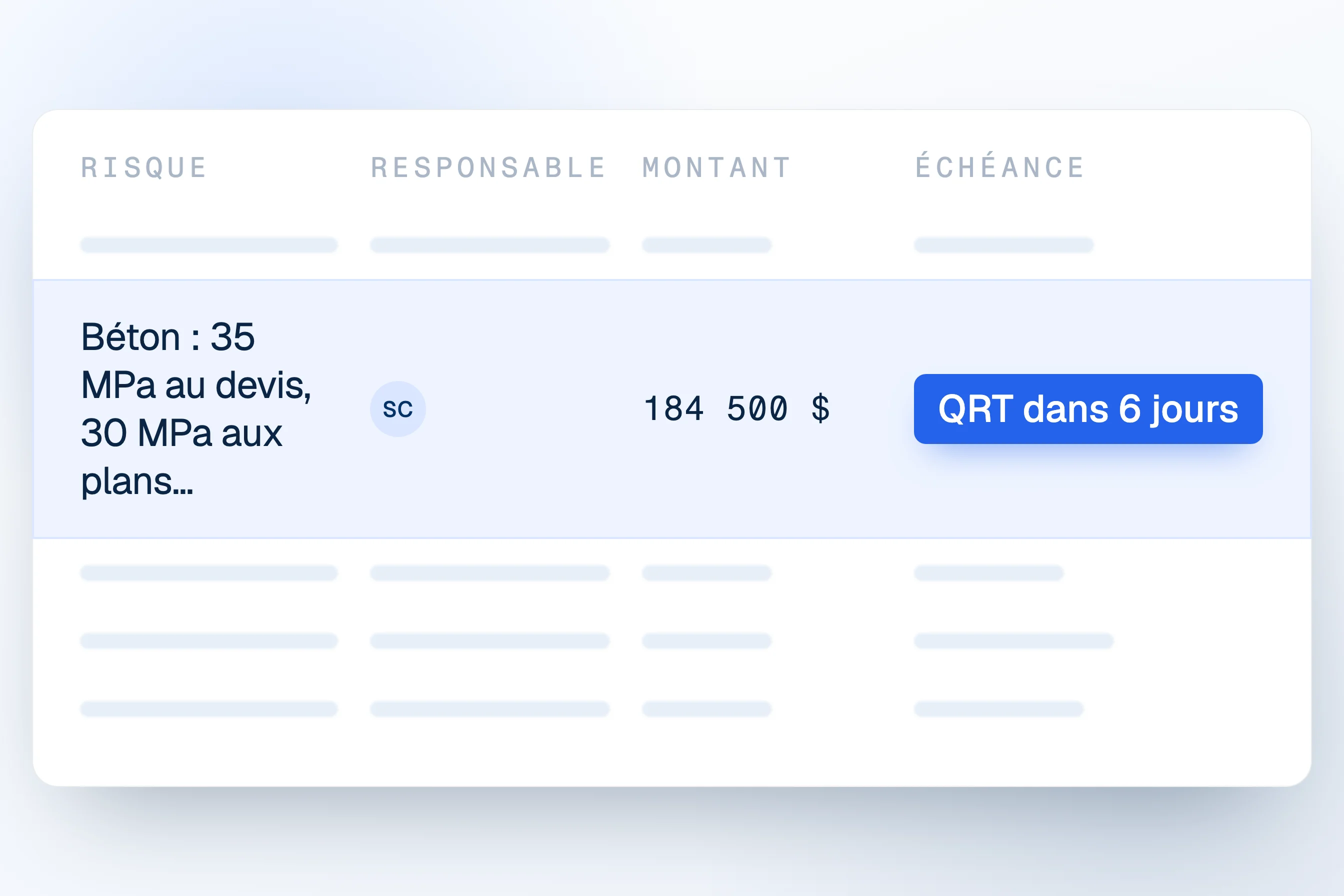
The originating clause, always attached
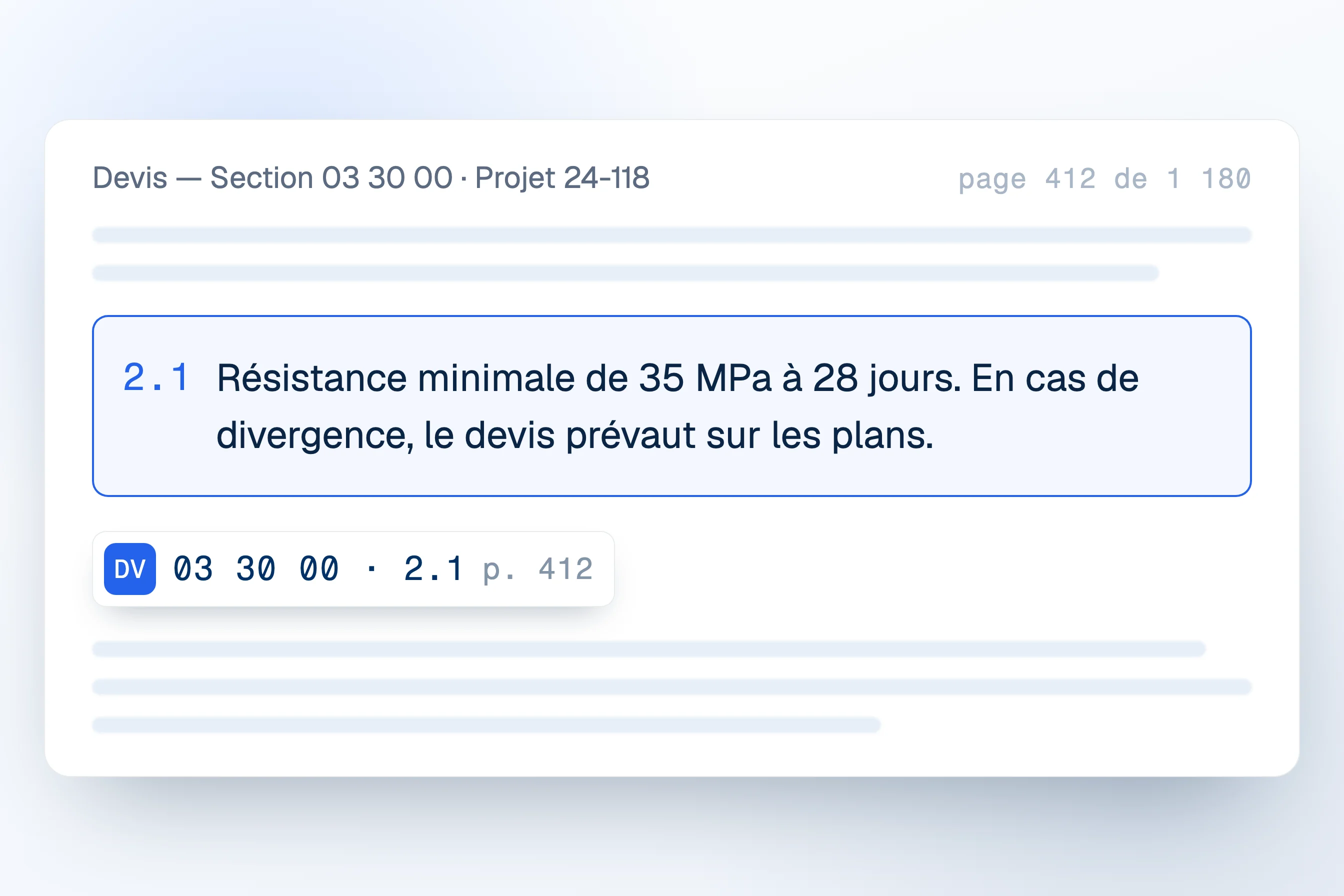
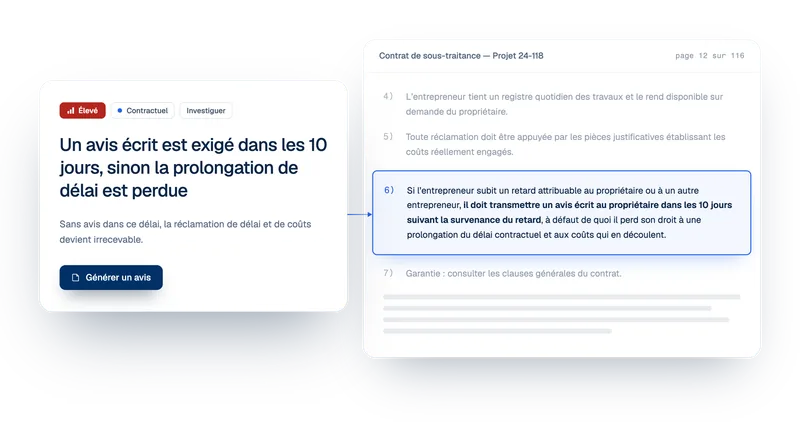
Every risk holds on to the contract article that triggered it and the page it sits on. The reasoning behind a decision stays available long afterwards.
FAQ
Frequently asked questions about construction risk tracking

What is construction risk tracking?
Construction risk tracking means following each identified risk until a decision closes it: who owns it, what it could cost, what is being done and how it ended. In Telamont, every risk sits on the project's Operations board, moves from To address to In progress, and closes as Eliminated, Mitigated, Shared or Tolerated, with the clause that triggered it attached the whole way.
How does a risk get onto the board?
Two ways. From triage, one click on Add to operations moves a detected risk onto the board with its category, priority and source. You can also create a risk yourself with Create a risk, for an issue raised on site or in a meeting. Either way, it lands in To address, ready to be assigned.
How is a risk's value calculated?
You enter what the risk would cost if it happens and how likely it is. Telamont multiplies the two to give the contingency to set aside: $250,000 at 40% is $100,000. Each column adds up these values, so the board shows what is at stake at a glance. Telamont never sets a cost on your behalf.
What do Eliminated, Mitigated, Shared and Tolerated mean?
They are the four ways a risk can close. Eliminated: the cause is gone, for example the clause was amended. Mitigated: an action reduced its impact, such as a notice sent on time. Shared: part of it is carried by another party. Tolerated: the team accepts it knowingly. Each final column shows its total, so you can see how risk was handled across the project.
Can I draft a notice or an RFI from a risk?
Yes. An open risk has Generate notice and Ask an RFI buttons. The notice or RFI starts from the risk, with its project, contract and clause already filled in, so nothing has to be explained twice. The risk stays on the board until you close it.
How does the team know who is handling what?
Each risk has one assignee. The board can show everyone's risks, only yours, or the ones nobody has taken yet, and a Missing information flag shows which risks still need details. Comments stay on the risk, so the discussion sits next to the clause instead of in an email thread.
The product
Explore the other features.


Contact

Product
Solutions