

AI agent
An agent that answers, and acts.
↳ In writing or by voice. Every answer cites its source, and the agent can build a board, draft a notice or compare two versions.

Telamont agent
Ask the question, or hand off the work.
Step 1 · Ask
Ask out loud, or type the question
Turn on voice mode and ask the way you would ask a colleague. The agent hears the question, writes it out, and searches the project's contracts, specifications, drawings and codes.
- No keyboard needed on site, on the move or with your hands full
- The question shows as text before it is sent
- Typing works too, and every conversation stays in its history
Step 2 · Get the answer
Get an answer you can check
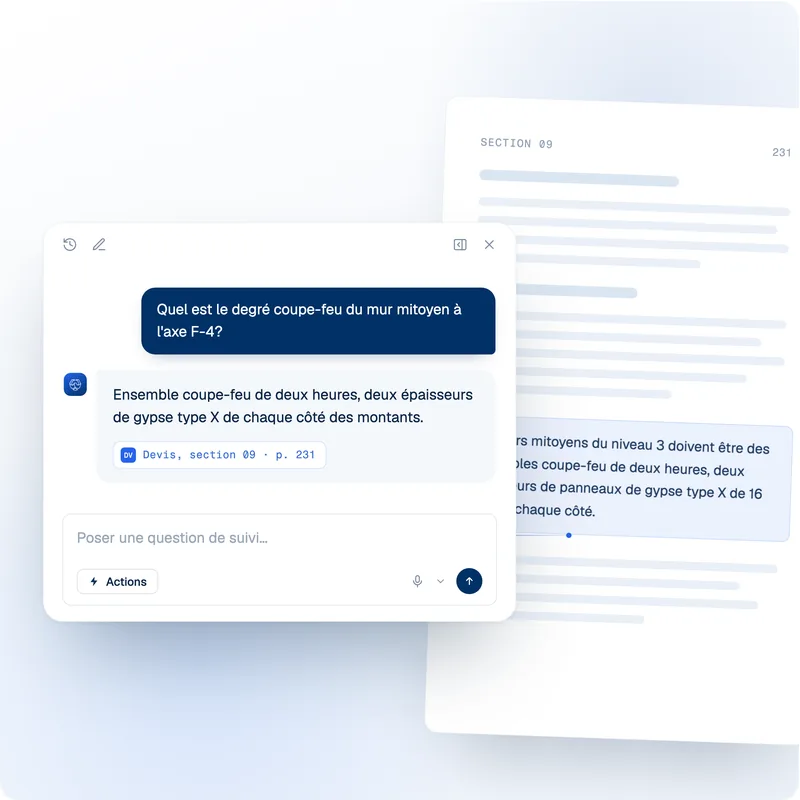
The agent shows what it searched, then answers with the page the answer comes from. One click opens the passage.
- The documents and passages it searched
- The page cited on every answer
- Follow-up questions in the same thread
Step 3 · Act on risks
Run the risk work from the conversation
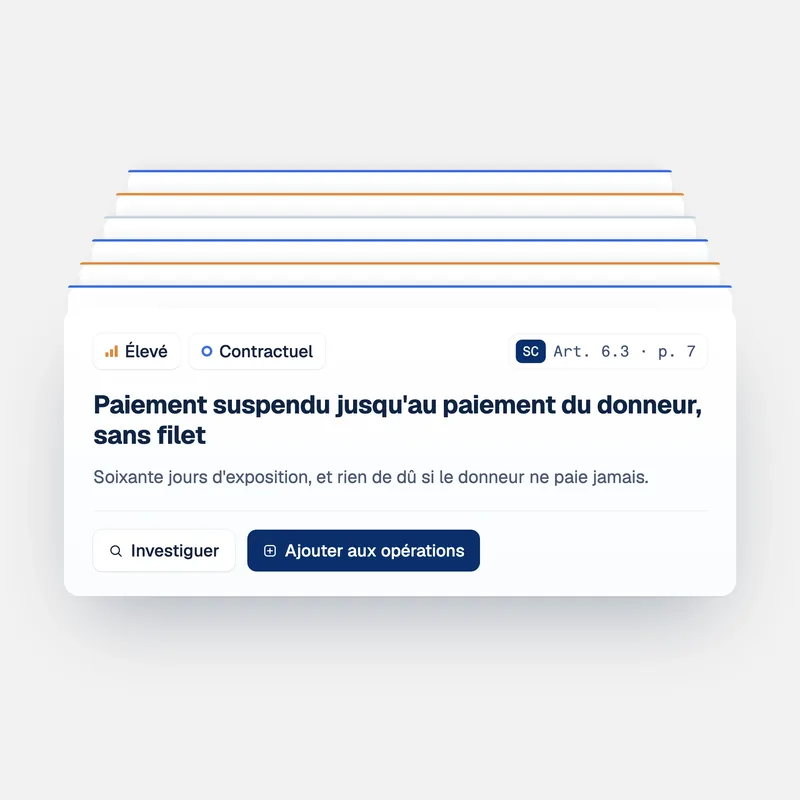
Ask in your own words, or use the shortcuts under an answer and the Risks tab of Actions. A risk the agent creates lands in To address on the Operations board.
- Run a risk detection on the project documents
- Triage the new risks it finds
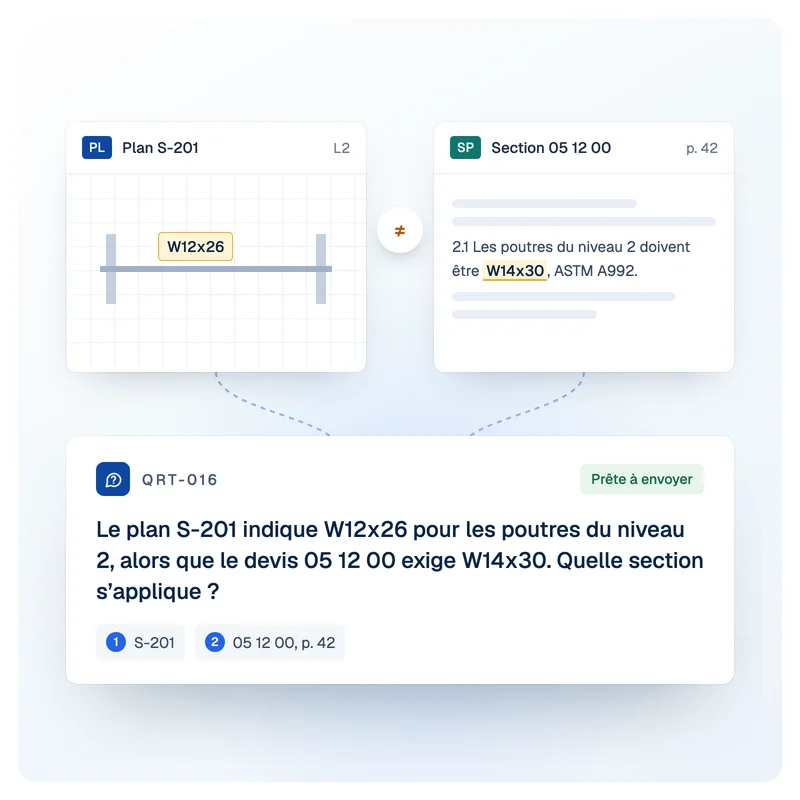
- Find the differences between two versions of a document
- Create a risk from what you just found
Step 4 · Draft and build
Turn the answer into a notice, an RFI, a table and more
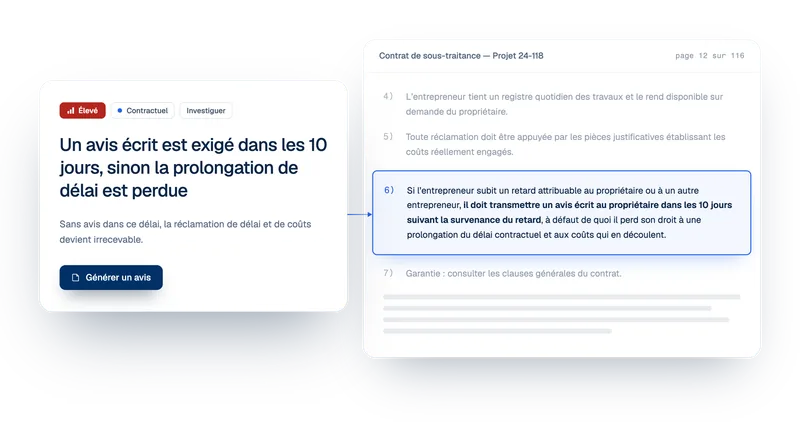
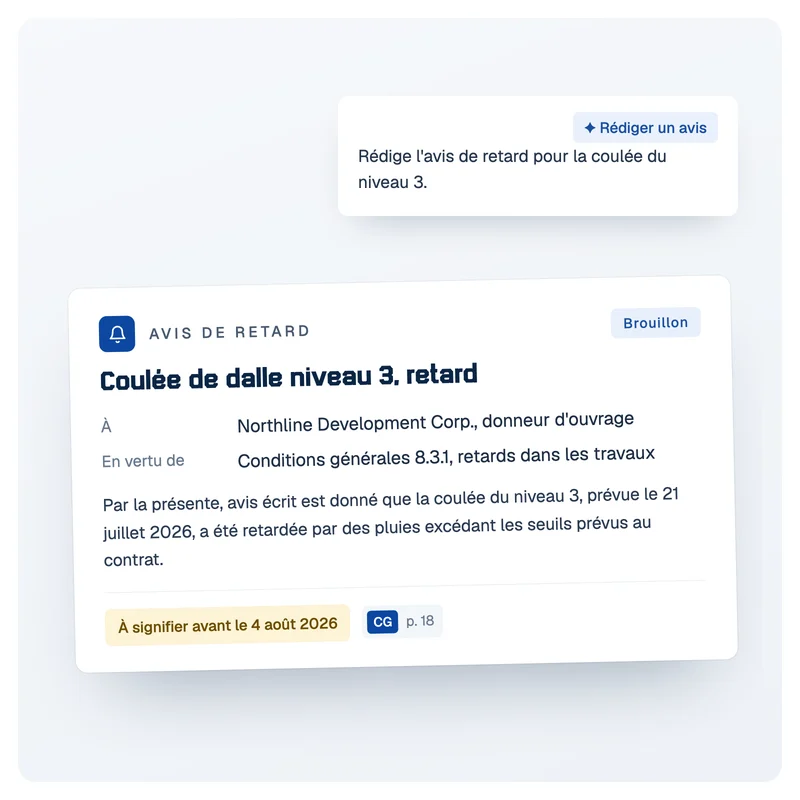
The Drafting tab of Actions turns what the agent found into work you can send or share, every source cited.
- Draft a notice
- Draft an RFI
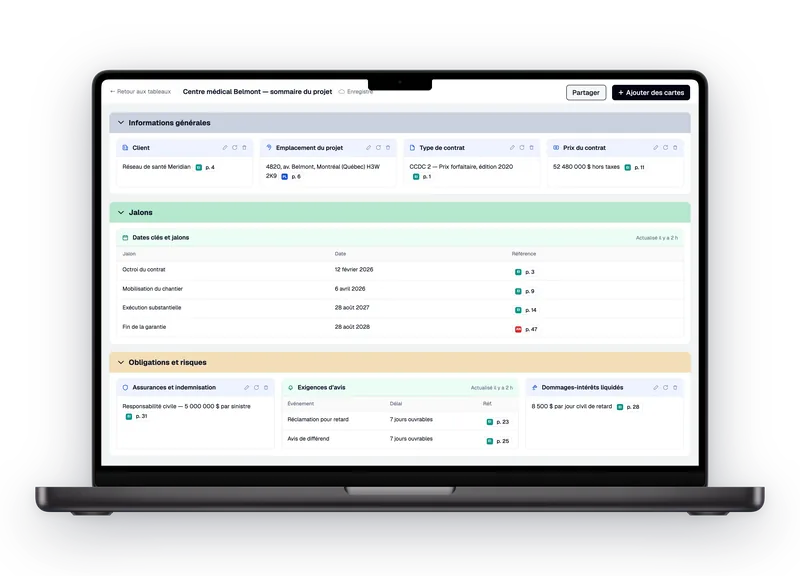
- Create a card on a board
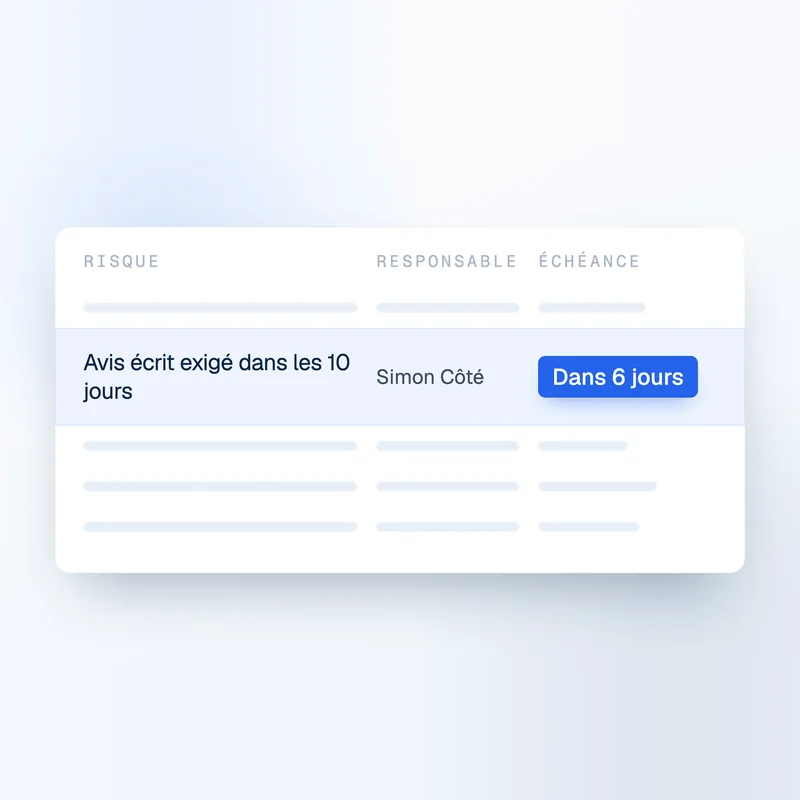
- Create a table, such as every notice deadline in the prime contract
FAQ
Frequently asked questions about the AI agent
What is an AI agent for construction documents?
It is an assistant you ask about your project in plain words, and that answers from the project's own documents. In Telamont, the agent searches the contracts, specifications, drawings and codes of the project, answers with the page it relies on, and can carry out the next step, such as drafting a notice or running a risk detection.
Where do the agent's answers come from?
From the documents of the project you are in. Above each answer, the agent shows what it searched, such as two documents and five passages, and the answer cites the page it comes from. One click opens that passage, so your team can check the answer before relying on it.
Which documents can I ask about?
The documents uploaded to the project: prime contracts, subcontracts, technical specifications, drawings and the building codes added to it. A question can span several of them, for example a notice period that depends on both the subcontract and the general conditions.
What can the agent do besides answering?
Everything in its Actions menu. On the Risks side: run a risk detection, triage risks, find the differences between two versions, and create a risk. On the Drafting side: draft a notice, draft an RFI, create a board card, and create a table. The work starts from what was just said in the conversation, so nothing has to be explained twice.
Can I use it by voice?
Yes. Turn on voice mode from the question bar and ask out loud. It is useful on site, on the move, or when your hands are full. The answer comes back in the same conversation, with its sources.
Can I keep the agent open while I work?
Yes. The agent opens as a panel next to any page, such as your notices or your risks, and the same conversation follows you from page to page. You can switch it back to full screen in one click, and past conversations stay in its history.
The product
Explore the other features.

Contact

Product
Solutions