This page was made for your team.
Share it with a colleague
Telamont
Fidelis Design and Construction

We found 27 risks in your Heinz EHRM upgrades documents.

Here are 3 of the 27 risks we found in the public Heinz EHRM upgrades package, each with the clause and page it comes from.
Heinz EHRM upgrades
What we found in the
Heinz EHRM upgrades
documents
Finding

VRF terminal units are scheduled as wall mounted, and Section 23 81 45 lists only ceiling cassette and ducted types

The VRF terminal unit schedule lists VRF-TU-71-1 through 71-12 as wall mounted. Section 23 81 45 describes four-way ceiling-recessed cassette and ceiling-concealed ducted indoor units, and has no wall mounted indoor unit type. The unit type to order and install depends on which document governs.

Section 23 81 45, p. 5 and p. 7 · VRF terminal unit schedule, p. 1
Finding

Second-floor telecom work is drawn in room TR 2A104, while the panel data places the panel in Telecom 1A131

The enlarged second-floor plan and the riser diagram are titled for TR 2A104. The panel schedule on the same sheet states the location as Telecom 1A131. The plan notes say to coordinate the installation location with the telecommunications contractor, and the room is not named the same way in both places.

Building 69 electrical sheets, 69-EN401, p. 2
Finding

The computer room units need a floor stand sized to the existing plenum height, and no height is given

The computer room unit schedule calls for downflow units over an underfloor plenum, provided with a floor stand whose height is to be coordinated with the existing plenum height before ordering. The documents do not state that height, so the stand and the unit installation cannot be sized from them.

Campus mechanical sheets, July 24, 2026, p. 1
Book a demo

One avoided issue usually pays for the platform. Customers report a 12 to 15x return.

Over $2 billion in projects covered
Béland Lapointe logo
Groupe Malo logo
Telamont in 90 seconds

Telamont reads every document on your projects and flags the risks.

  1. Connect your projects. Drawings, specs, contracts and addenda, straight from Procore, Autodesk Construction Cloud, SharePoint, Box or Dropbox.
  2. Get the risks, with the page. Conflicts, gaps and costly obligations, each linked to the page it comes from.
  3. Assign and follow up. Your team triages each risk and gives it an owner.
  4. Stay covered as documents change. New revisions and addenda are checked as they arrive.
Book a demo

See how contractors catch risks early with Telamont

$16.4M in potential costs avoided by our customers
Who you will meet
Alexandre Knox
Alexandre Knox
Your account owner
Nathaniel Nadeau
Nathaniel Nadeau
Runs your demo

Request received

Our team will reach out shortly to plan your demo.

Prefer to pick a time yourself?

Choose a time to meet
Oops! Something went wrong while submitting the form.
Return on investment

What our customers got from Telamont

$1.4M

Of rework avoided on one customer project, after a conflict was caught before execution.

40 to 50 h

Of document review saved per project, reported by a customer.

12 to 15x

Typical return on the platform. One avoided issue usually pays for it.

A note from our co-founder

The Heinz EHRM upgrades went out with two volumes of bid documents and two rounds of updated specifications and drawings. We ran Telamont on the public package to see where the latest sets still differ across mechanical, electrical and the specifications. A few items are worth settling with the VA early, and I would be glad to walk your team through all of them.

Charles Goulet
Charles Goulet, Co-founder and CEO, Telamont

Questions from teams like yours

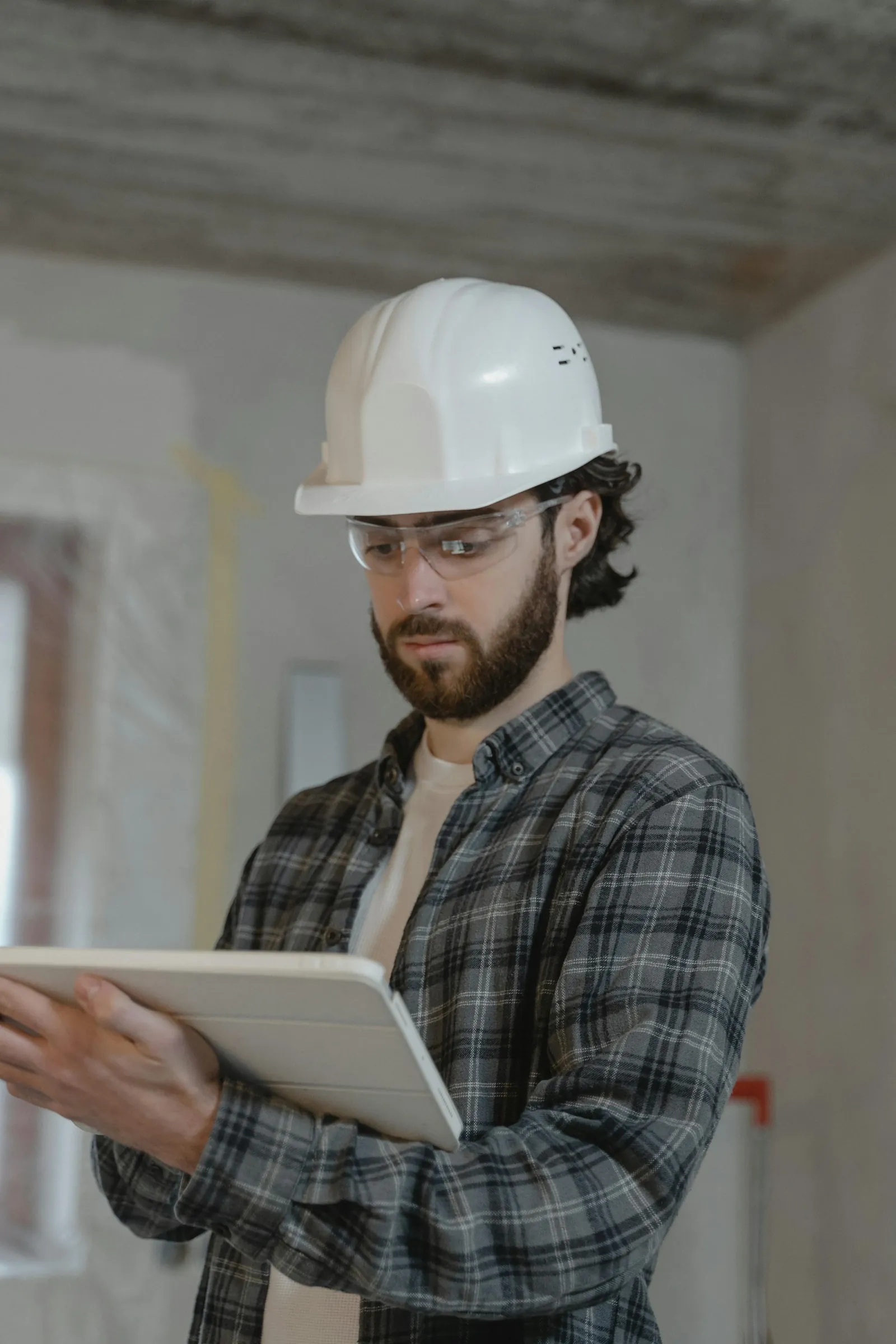
Site engineer reviewing project documents on a tablet
Are our documents private?

Yes. Your documents are never used to train AI models, ours or our providers'. They are encrypted in transit and at rest, and each organization's data is kept separate.

Which documents does Telamont read?

Plans, specifications and special provisions, contracts, addenda, and supplemental reports such as geotechnical and hazardous materials surveys.

How long does it take to get started?

Days, not months. After the walkthrough, one onboarding meeting trains your team and connects your projects, and the first risks come back with their pages.

Does it work with our tools?

Yes. Telamont connects to Procore, Autodesk Construction Cloud, SharePoint, Box, Dropbox and Microsoft Project, and sends alerts to Teams, Slack, Outlook and iMessage.

Get a 30-minute demo of Telamont
Book a demo